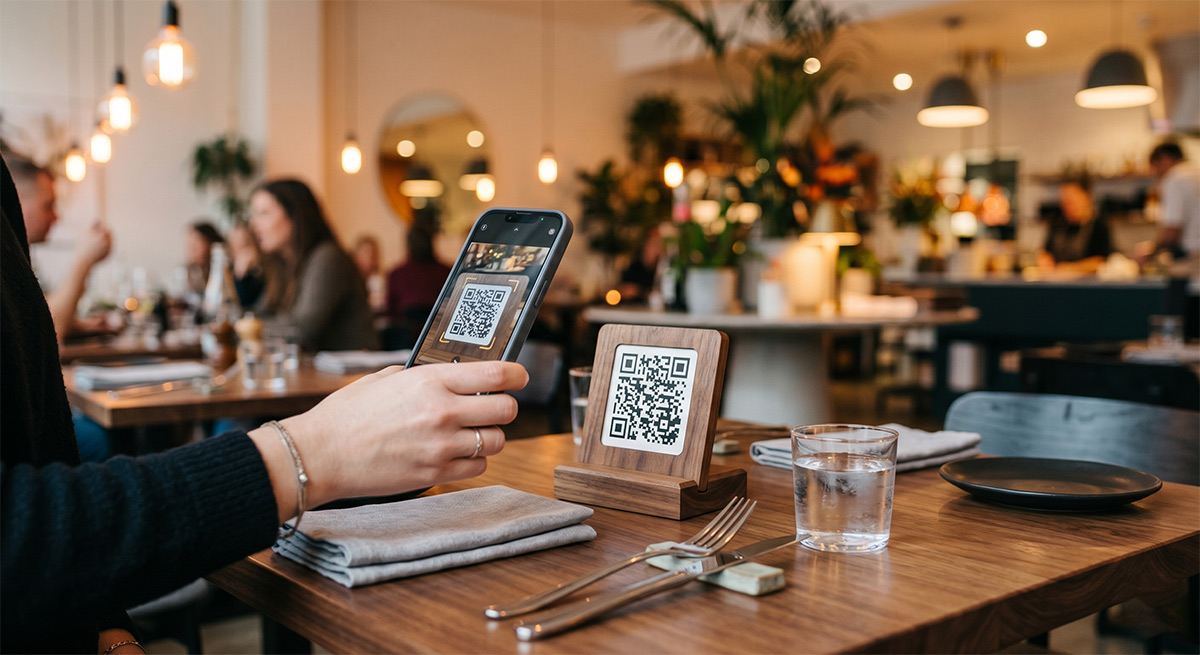
A few years ago, QR menus felt like a temporary thing. Today, most diners expect them. Pulling out a phone, scanning a code, and seeing a clean menu has become the default. If your restaurant still relies only on printed menus, you are paying for something your guests increasingly do not need.
Here is why making the switch makes sense, and how to do it without overcomplicating things.
Print is expensive in ways you stop noticing
Every time you change a price, add a special, or run out of an ingredient, your printed menu becomes a little less true. Reprinting is not just the cost of paper. It is design time, the gap between menus, and the awkward apology to a guest who ordered something you no longer serve.
A digital menu fixes the price once, and every guest sees the new version on their next scan.
QR codes are practically free
A QR code is just a link in visual form. With Nice Catalogs, your public catalog link becomes a QR code you can print on a table tent, a flyer, or the back of your business card. No special hardware, no monthly QR code subscription.
Your guests get a better experience
Phone screens are honest. A digital menu lets you show food photos, describe dishes properly, and group items in a way that helps guests choose. Smart search and filters help diners with allergies or preferences find what they can eat in seconds.
Updates take seconds, not days
Sold out of the special? Mark it unavailable. Adding a new dessert? Add the item, drop in a photo, save. Your QR code never has to change. Guests scanning a flyer from last month still see the latest menu.
It works for any kind of restaurant
Fine dining, neighborhood bistros, food trucks, ghost kitchens, takeout-only spots. The format flexes. You can keep it simple and elegant or rich with photos and descriptions. The link-tree style landing page also lets you point customers to ordering, reservations, or your social profiles from one place.
What about taking orders?
If you want guests to actually place orders from the menu, you can turn on WhatsApp ordering. They build their order, send it to you on WhatsApp, and you handle it from there. No new POS to learn. Read How to Take WhatsApp Orders for the setup.
How long does it take to switch?
Less than you think. Most restaurants get a working QR code menu live in under an hour, including writing item descriptions. We have a step-by-step guide in How to Create a Digital Menu in 5 Minutes.
A printed menu has its place. Linen napkins and leather covers still feel great. But your prices, daily specials, and out-of-stock items belong on a screen that you control.
Want to try it? Start for free at nicecatalogs.com/for-restaurants and see your QR menu in minutes.