Google reviews are how a lot of new customers decide whether to walk in. The problem is not that people dislike you. It is that almost nobody leaves a review unless you make it easy, right after a good visit, while they still have their phone in hand.
I build Nice Catalogs , a toolkit for small businesses, and this guide is the playbook I recommend: ask while the experience is fresh, send happy customers straight to Google, and keep unhappy feedback private so you can fix it. I'll also show you a free tool that gives you a review link and QR with no signup, and how review requests work inside Nice Catalogs if you want the full flow.
Why most businesses get fewer Google reviews than they deserve
People leave reviews when three things line up:
- They just had a good experience. Waiting a week kills the impulse.
- The ask is one tap. If they have to search your business name, open Google Maps, and find the review button, most will quit.
- They trust that a bad day will not become a public mess. Some customers stay silent because they do not want to write a one-star rant online.
Your job is to remove those frictions. Put a QR at the counter, send a link after the appointment, and give people a private path when something went wrong.
Start free: get your Google review link and QR
If you only need the link itself, use our free Google Review Link Generator . No account. Search for your business or paste a Google Maps link, and you get:
- A direct link that opens your Google review box
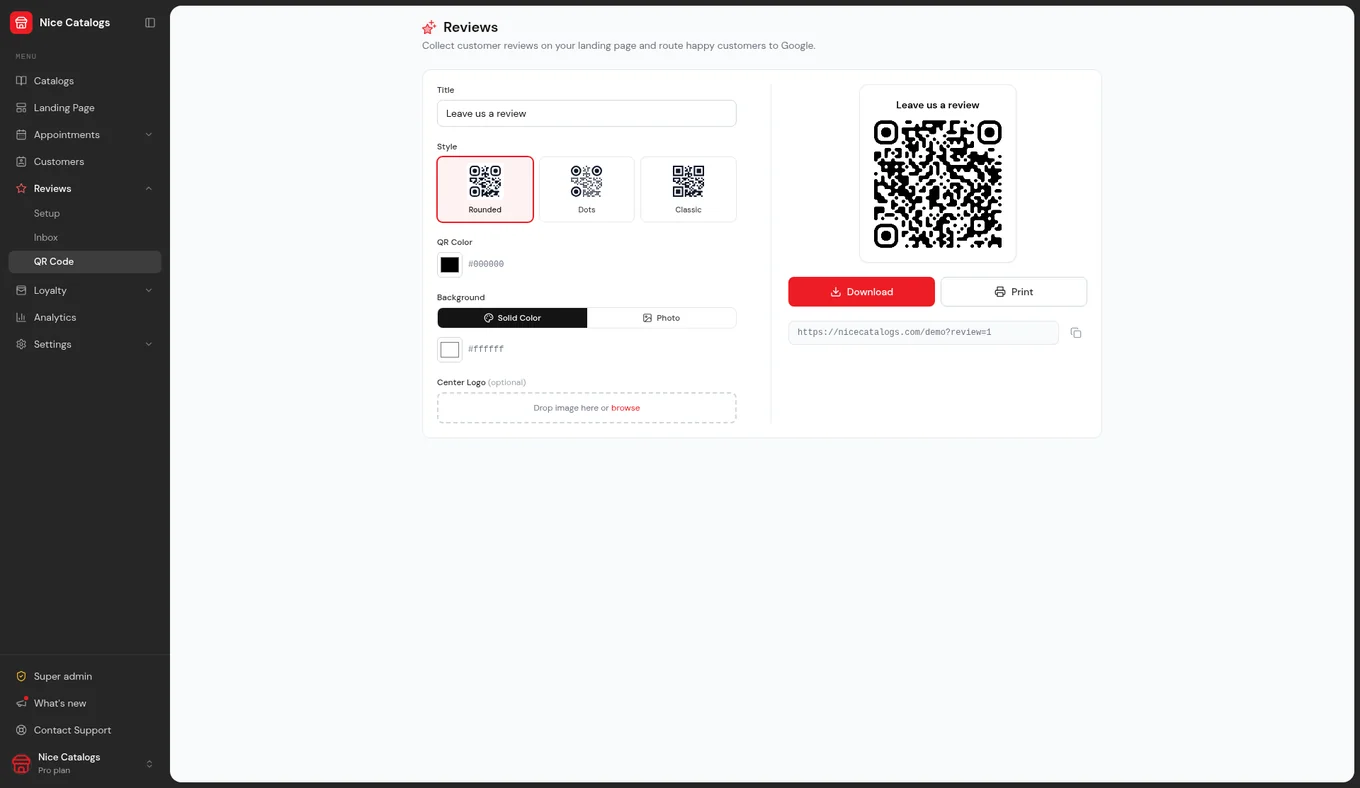
- A QR code you can print for the counter or receipt
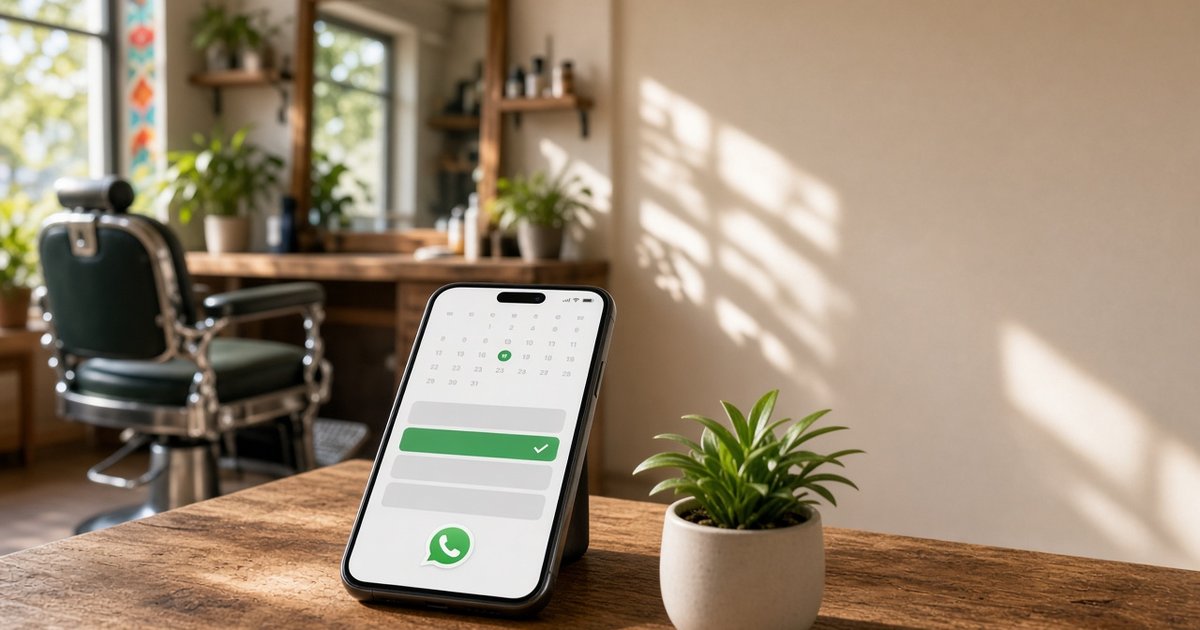
- A ready-made message you can send on WhatsApp
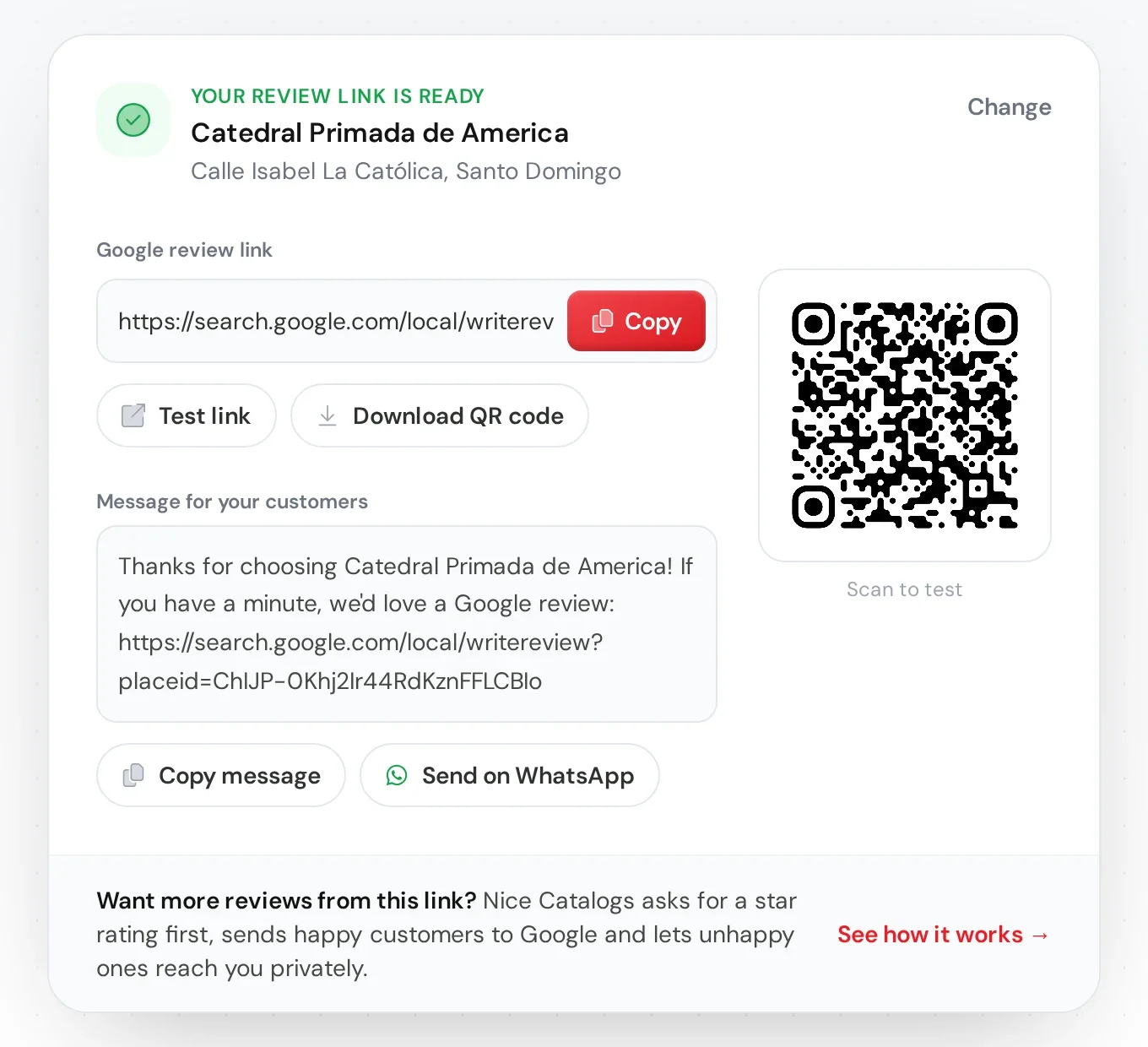
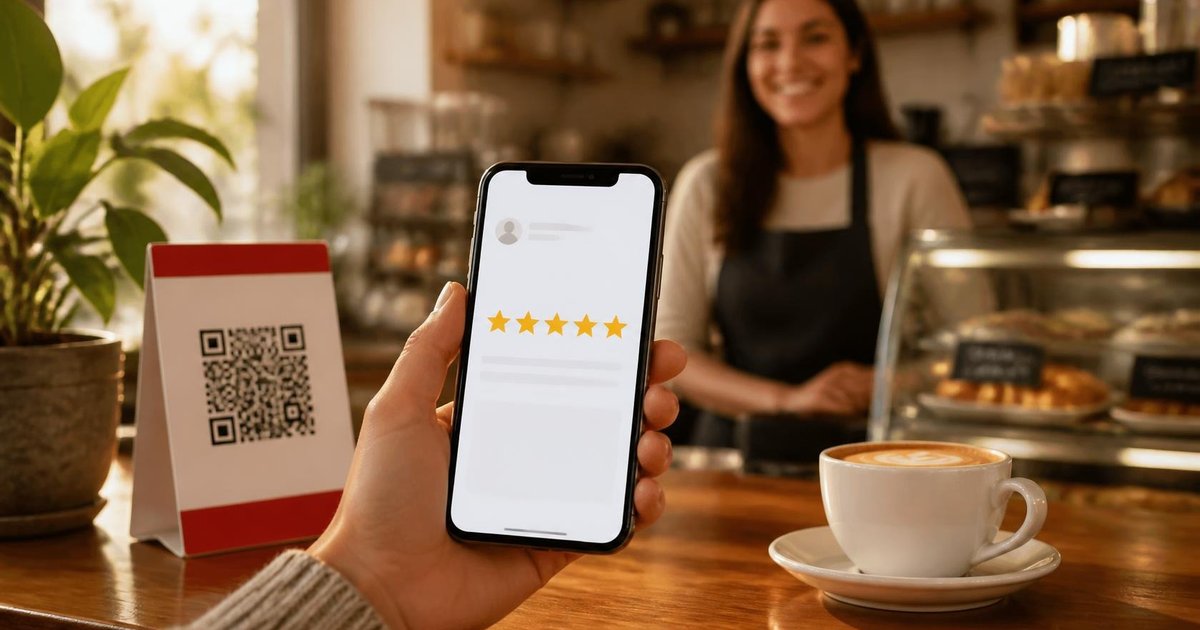
Print the QR, stick it by the till, and ask once: "If you liked today's visit, would you leave us a quick Google review?" That alone moves the needle for salons , restaurants , and most neighborhood shops.
Ask while the visit is still fresh
Reviews come from the customers you ask. Put the request where happy customers already are:
- At the counter. A small sign next to the till catches people right after a good experience.
- On receipts and cards. Table cards, packaging, appointment cards, and flyers.
- In a message or on your page. Send the link after a service, or let your link in bio landing page ask for you.
Timing beats clever copy. One calm ask when they are still smiling beats three follow-ups later.
The star-rating flow (happy to Google, unhappy to you)
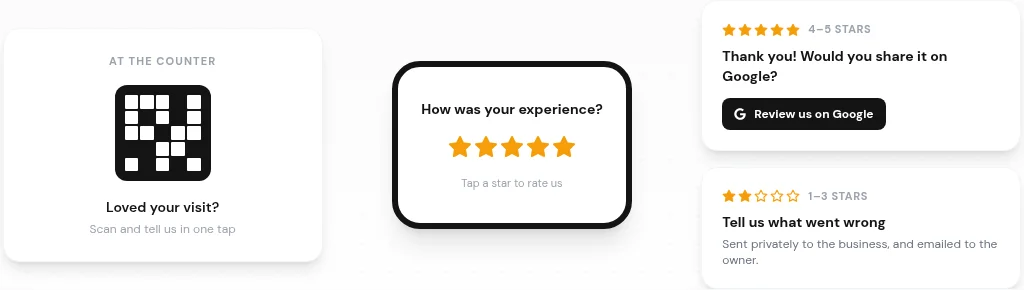
Inside Nice Catalogs, get more Google reviews is built around a one-tap star rating. Customers do not need an app or an account.
Here is how it works:
- You share a QR or link. Print it, text it, or add it to your landing page. 2. The customer taps a star rating. One question: how was your experience? 3. 4–5 stars show a thank-you and a button to your Google review page. 4. 1–3 stars open private feedback that is emailed to you and lands in your inbox, instead of going public first.
That split matters. You still collect praise on Google, and you hear about problems before they become a public review.
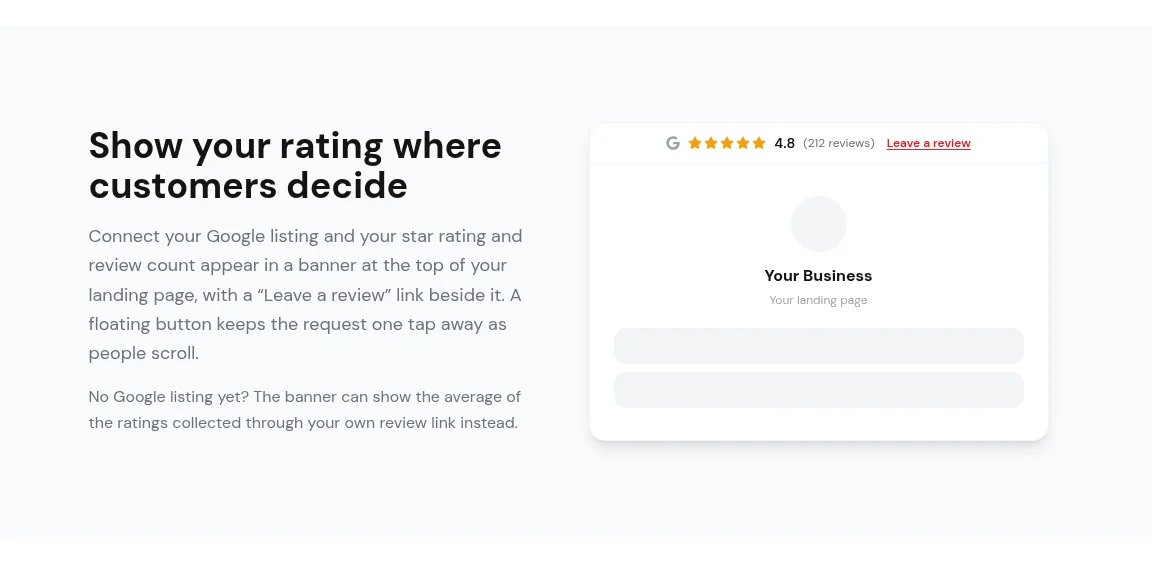
Show your rating where customers decide
Connect your Google listing and your star rating and review count appear in a banner at the top of your landing page, with a "Leave a review" link beside it. A floating button keeps the request one tap away as people scroll.
If you do not have a Google listing yet, the banner can show the average of the ratings collected through your own review link instead. You can refresh the connected rating whenever you like.
What lives in your Reviews dashboard
Everything sits in one Reviews section: setup, a printable QR code, and an inbox for private feedback. You can filter what needs attention, mark items as read, or archive them. Low ratings are emailed to you straight away.
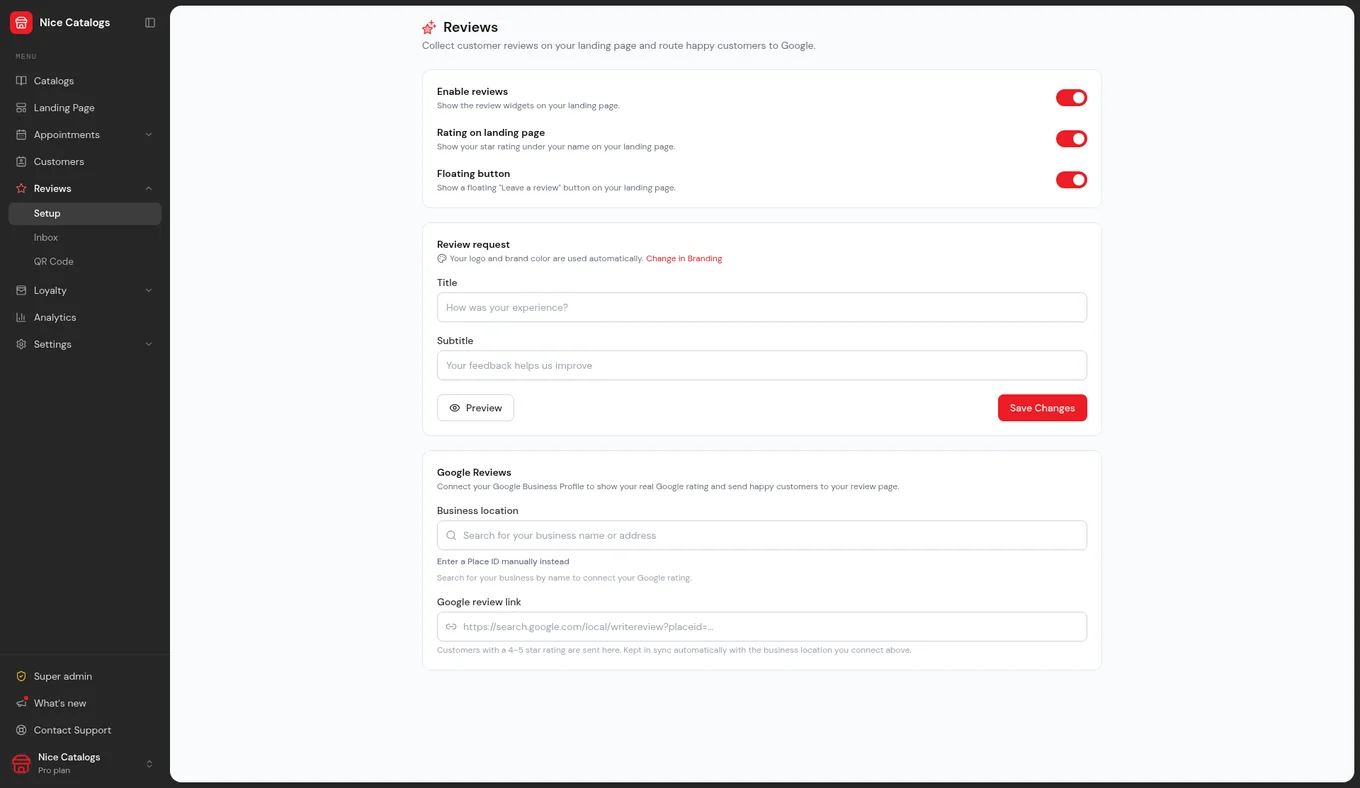
Spam checks are included: a hidden bot trap and a per-browser check stop automated and repeat submissions from cluttering your inbox or your rating.
What it costs
Review requests are included in every plan — Basic and Professional. There is no per-review fee and no separate review-platform subscription. Every plan starts with a 7-day free trial, with $0.00 due today. See pricing for the full comparison, or try Nice Catalogs free .
Want to reward the regulars who keep coming back? The digital loyalty card is on the Professional plan — an optional next step once reviews are flowing, not a requirement to start asking.
A simple weekly routine
- Print or refresh your review QR and put it where people pay. 2. After each good visit, send the free review link (or your Nice Catalogs request link) once. 3. Check private feedback the same day and reply when someone left an email. 4. Once a week, skim new Google reviews and thank people who named a specific staff member or dish.
Consistency beats a big campaign. Ten calm asks a week will outrun one blast to your whole list.
FAQ
How do I get more Google reviews for a small business?
Ask right after a good experience, make the link one tap, and give unhappy customers a private path. Start with the free Google review link generator , or use the full review request flow in Nice Catalogs.
Do customers need an app to leave a rating?
No. They open your link or scan the QR on their phone. No app, no account, no long form to start.
What happens with a low rating?
In Nice Catalogs, 1–3 stars go to private feedback in your inbox (and email), not straight to Google. 4–5 stars get a thank-you and a button to your Google review page.
Is there a fee per review?
No. Review requests are included in Basic and Professional, with no per-review fee and no separate review-platform subscription.
Can I show my Google rating on my page?
Yes. Connect your Google listing and the star rating plus review count appear on your landing page banner, with a Leave a review link. You can refresh it. If you do not have a listing yet, the banner can show the average from your own review-link ratings.
Start asking this week
Print a QR, send one link after your next happy customer, and keep the ask short. If you want the star-rating filter, landing-page banner, and private inbox in one place, get Google reviews with Nice Catalogs — or generate just the link for free at the Google Review Link Generator .