Most salons and spas still share prices the hard way: a printed list at reception, a PDF in WhatsApp, or a "DM us for prices" in the Instagram bio. Clients want to see what you offer, what it costs, and how long it takes before they ever pick up the phone.
A digital catalog fixes that. It is your service menu as a web page: every cut, colour, facial, and massage with a photo, a price, and a short description, on one link that opens on any phone. This guide shows what to put in it, what your clients see, and how to let them book or send a request straight from the menu. We build Nice Catalogs , so the examples come from our demo spa catalog, but the checklist works whatever tool you use.
What a digital catalog for salons and spas actually is
Instead of a sheet you print and reprint, you have one page you edit from your phone or laptop. Change a price or add a seasonal treatment, and everyone who opens your link sees the new version. That is what we built our digital catalog for salons and digital catalog for spas to do.
A good one does four things:
- Shows every service clearly, grouped the way clients think: cuts, colour, treatments, massages, facials, add-ons.
- Opens without an app. Clients tap a link or scan a QR code, and the menu loads in their browser.
- Stays current without reprinting anything.
- Leads to a next step: book a time, or send you the services they want.
Why move your service menu online
Printed price lists get dog-eared and outdated the moment you raise a price. A PDF sent over WhatsApp is hard to read on a phone. And prices hidden behind DMs mean you answer the same questions all day.
With a digital menu, clients read your full list before they arrive, and come in knowing what they want and what it costs.
What to put in your service catalog
Before you open any tool, write the list. For each service, prepare:
- A clear name. "Swedish Massage (Deep Relaxation)" tells a client more than "Massage 1".
- The price. If a service has a "from" price, say so in the description.
- How long it takes. Clients plan around it, and online booking needs it.
- Two or three lines of description. What happens and who it suits.
- A real photo. Your own room, chair, or results beat stock images.
- A category. Keep it to a handful: for a salon, cuts, colour, treatments, add-ons; for a spa, massages, facials, body treatments, packages.
Packages and add-ons can be their own items, so a bridal bundle or an aromatherapy add-on sits right next to the main services.
What your clients see on their phone
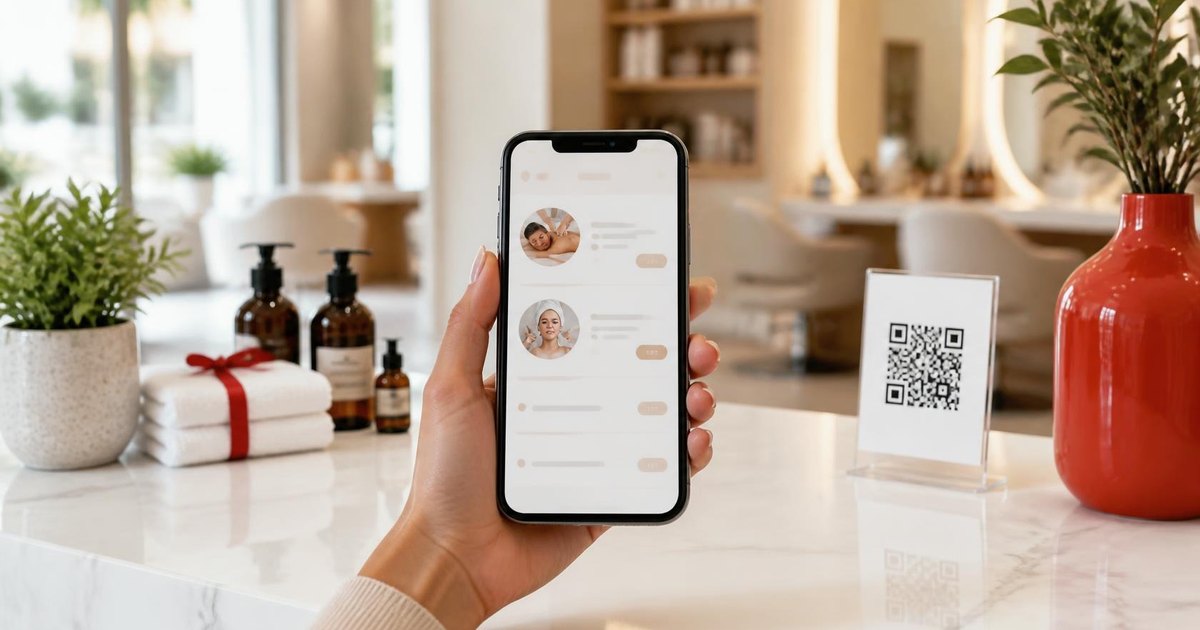
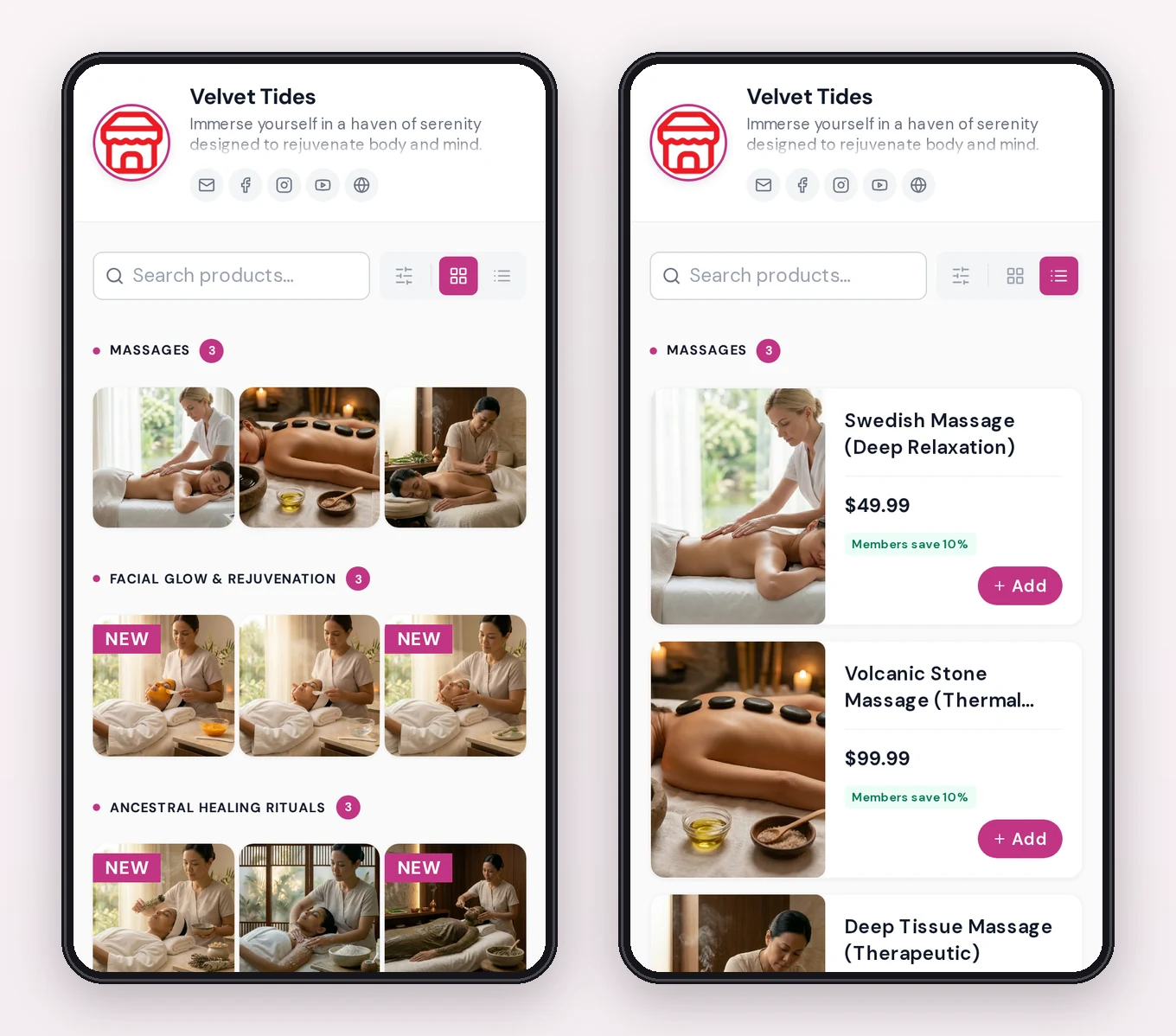
Here is our demo spa, Velvet Tides , on a phone. Clients can switch between a photo grid and a list with names and prices, search, and filter by category. New treatments can carry a "NEW" badge.
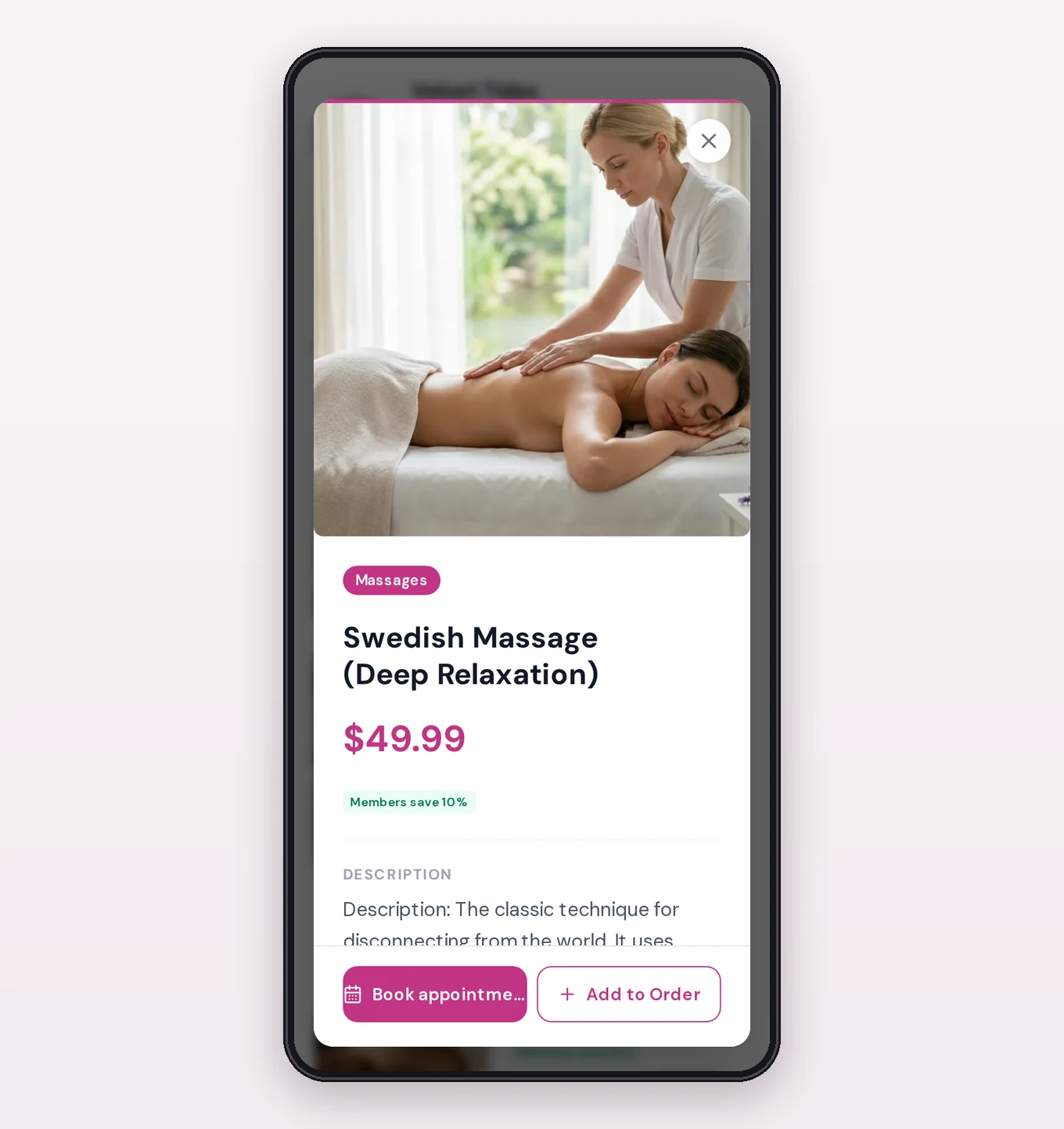
Tapping a service opens its detail: the photo, category, price, and full description. In the demo, the price line also shows a member discount. That comes from the digital loyalty card , which shows member prices across your catalogs.
There is no app to download and no account to create. The menu takes on your logo and brand colours, so it looks like your salon, not like a generic price sheet.
Let clients book straight from the menu
If you are on the Professional plan, you can turn on online appointment booking . Bookable services get a "Book" button. The client picks a day and one of your free times, leaves a name and phone number, and confirms.
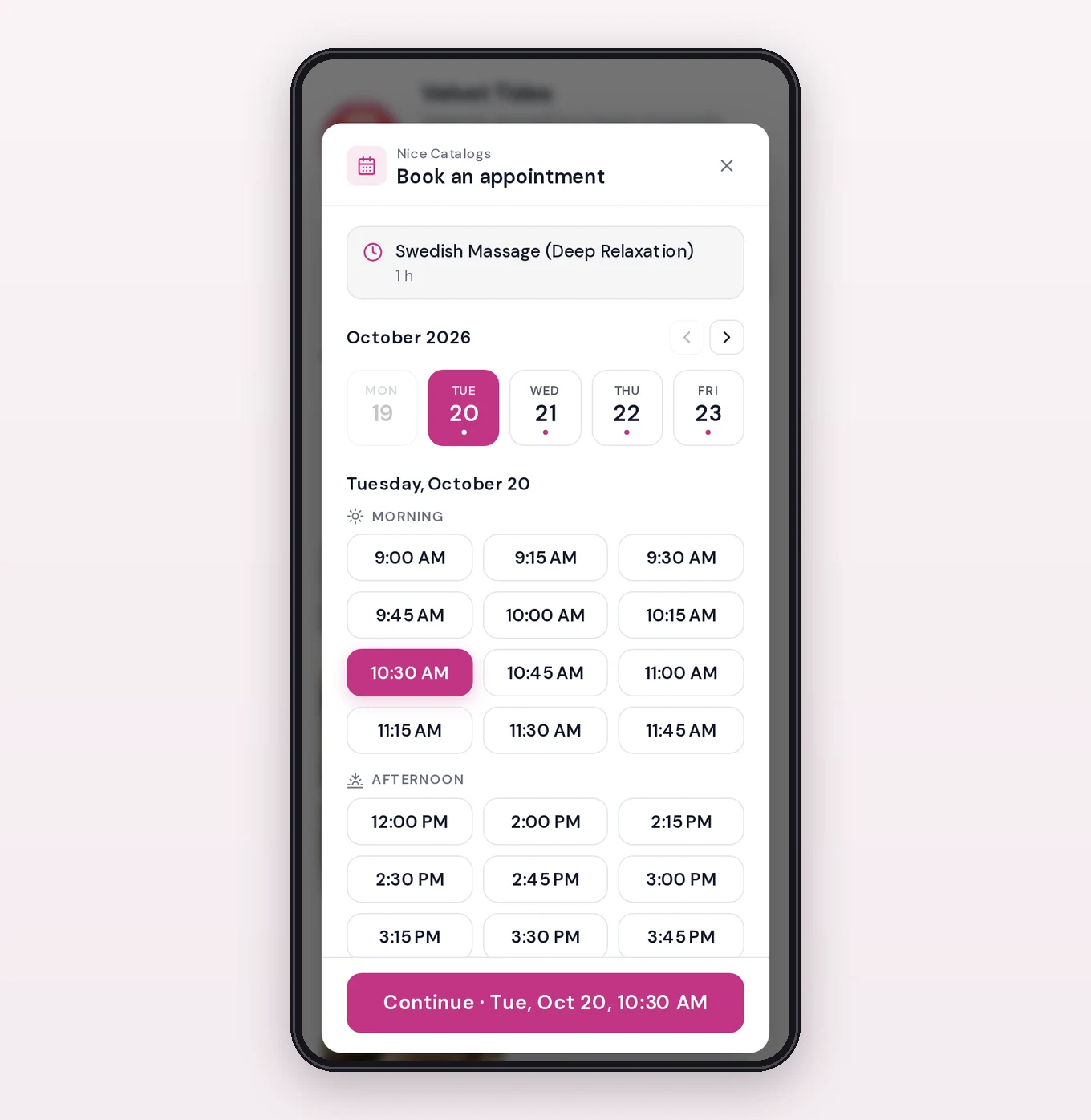
You set the rules once:
- Working hours with breaks, different hours each day, and days off.
- Each service's length, so a cut and a colour, or a massage and a facial, add up to the right slot.
- Breaks between clients of 5, 10, or 15 minutes.
- Minimum notice and how far ahead people can book.
- More than one chair or room? Let that many clients book the same time.
Every booking lands on your Appointments page and in your email. From the confirmation screen, the client can send you the details on WhatsApp or Telegram and add the appointment to Google, Outlook, or Apple Calendar. A taken time disappears for everyone else, so nobody books the same chair twice. Everyone who books joins your Customers list, with private notes and their appointment history.
The limits, to be clear: there are no deposits or online payments yet. Clients pay at the appointment, and to change or cancel they contact you; you move or cancel it from your dashboard, which frees the time again. To compare costs with the big booking apps, read our posts on salon booking software without commissions and taking salon bookings over WhatsApp .
Or let them send the services they want on WhatsApp
Not ready for online booking? With ordering on, a client can put together the visit they want (cut, colour, treatment, add-ons) and send it to your WhatsApp in one message, with retail products or gift vouchers in the same request. The conversation starts with the details already written. See how WhatsApp ordering works .
How to set it up in Nice Catalogs
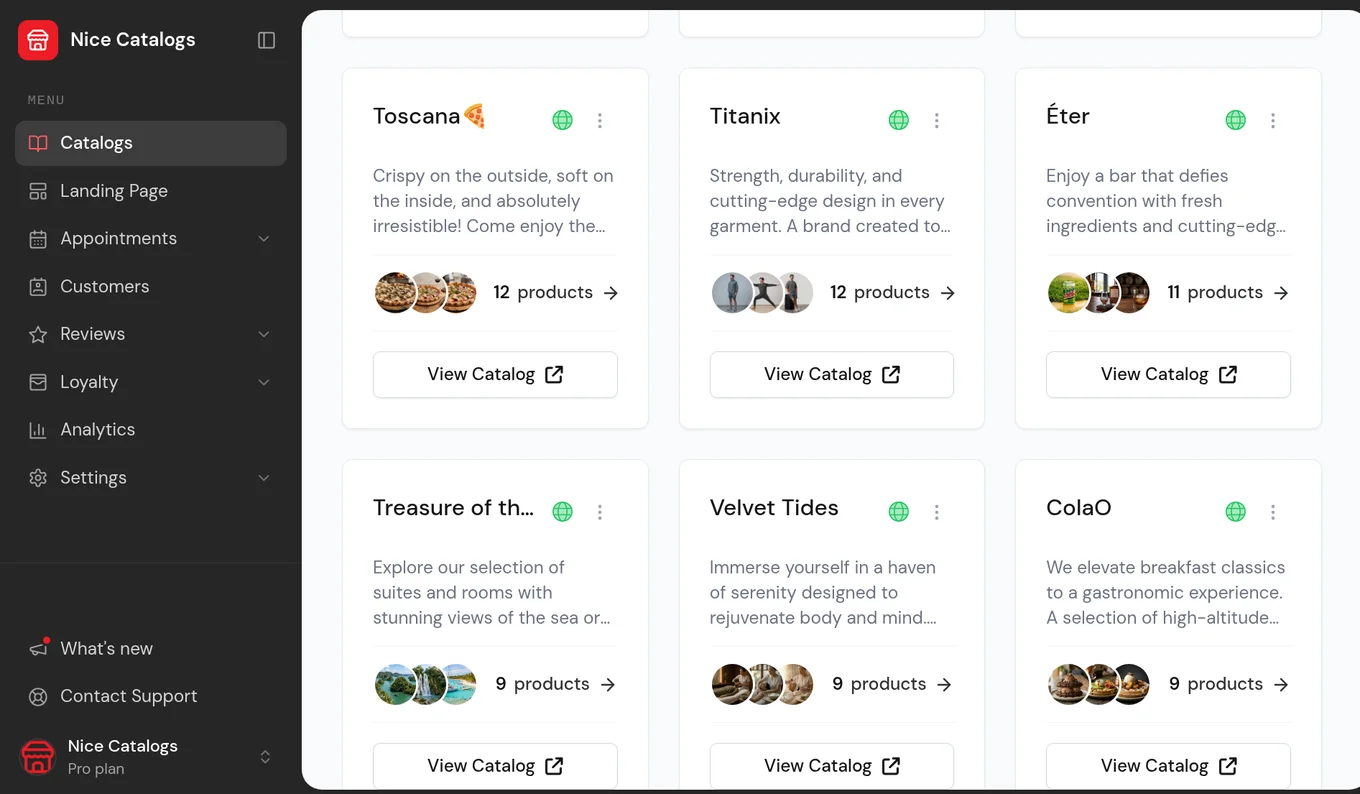
- Create a catalog for your salon or spa and add your logo and colours. 2. Add your services with name, price, description, photo, and category. 3. Turn on booking (Professional): set your hours and breaks, tick which services can be booked, and set how long each one takes. Or turn on WhatsApp ordering. 4. Share your link and QR code.
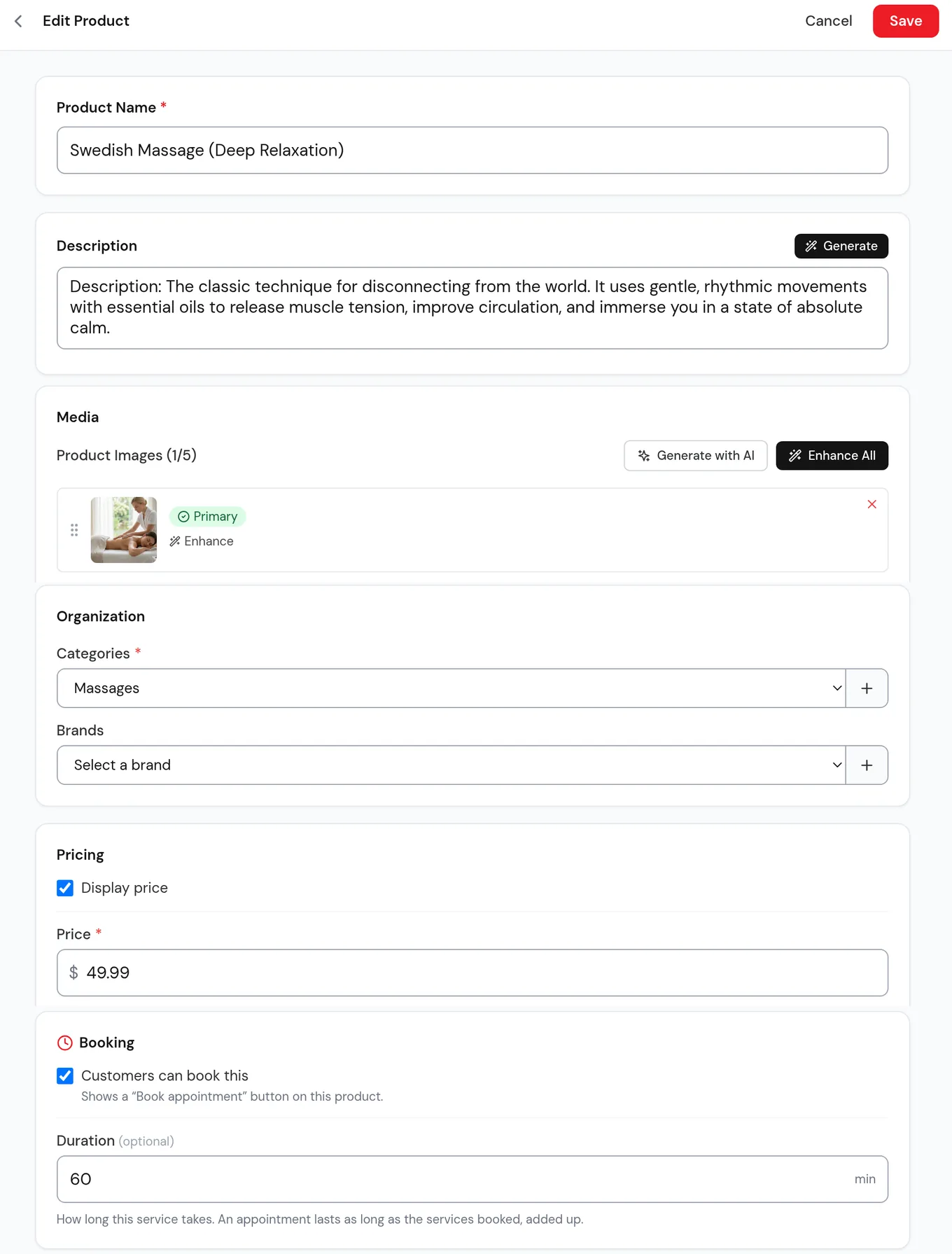
Everything lives in one dashboard. When you update a price or add a treatment, the change goes live everywhere you have shared the link.
Where to share your digital menu
- A QR code at reception, at each station, or on the treatment room door.
- Your Instagram bio. Use a link in bio landing page so your menu, booking, and contact details sit behind one link.
- WhatsApp. Send the link when someone asks for prices.
- Your website, if you have one. You can embed the menu or link to it.
- Booking confirmations. Spas can send the treatment menu ahead of the visit so guests arrive knowing what they want.
Two easy add-ons once your menu is live
Google reviews. Happy clients are standing right in front of you. Put a review QR next to your menu QR. Our free Google Review Link Generator gives you the link and QR with no sign-up, and review requests are included in every Nice Catalogs plan. Here is our playbook on how to get more Google reviews .
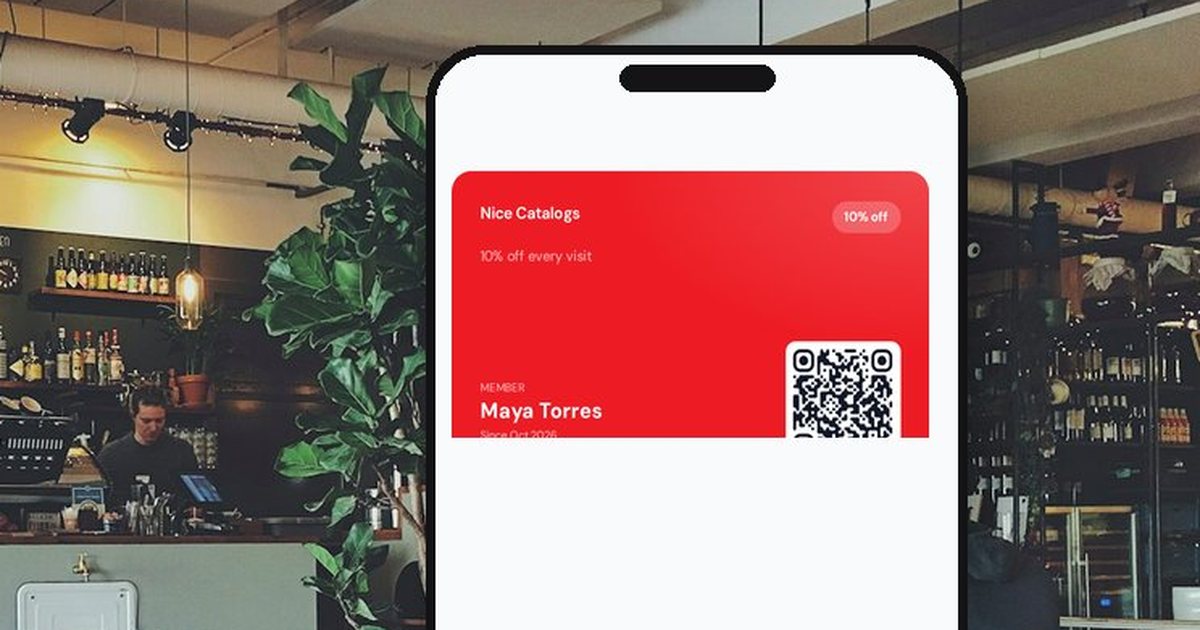
Loyalty. Regulars can join a digital loyalty card from your link and keep it in Apple Wallet or Google Wallet, with member discounts or points. Loyalty cards are on the Professional plan.
What it costs
- Basic, $5/month: up to 3 catalogs and 50 services per catalog, WhatsApp and Telegram ordering, a link-tree style landing page, themes, password protection, a custom catalog URL, QR code export, and no Nice Catalogs branding.
- Professional, $10/month: unlimited catalogs and services, plus online appointment booking, loyalty cards, a custom domain, an analytics dashboard, printable PDF menus, and AI photo and text tools.
Every plan starts with a 7-day free trial, $0.00 due today, and you can cancel anytime. Paying yearly saves 20%. There is no fee per booking. See the full comparison on our pricing page .
FAQ
Do my clients need an app?
No. They open your link or scan your QR code, and the menu loads in their phone's browser. Booking works the same way, with no account and no password.
Can I show how long each service takes?
Yes. You give each bookable service its length, and the booking screen shows it next to the service name. Appointments last as long as the services booked, added up.
Can clients book online?
Yes, on the Professional plan. Bookable services show a "Book" button, and clients pick a day and one of your free times. Deposits and online cancellation are not available yet.
What if I only want a price list?
That works too. Use it as an always-current price list with a QR code, and add ordering or booking later.
Where can I see an example?
Open the demo spa catalog , or see how it works for salons and for spas and wellness centers .
Put your service menu online this week
Write your list, take a few real photos, and set up your catalog. Print the QR for reception, add the link to your Instagram bio, and let clients see your full menu before they walk in. Try Nice Catalogs free for 7 days , with $0.00 due today.